Morning
You clock in, or your work hours do it for you. A small clock sits in the menu bar and stays out of the way: it never shows a title, a URL or a code.
 Ribbon
 writes it down for you, and tells no one. It draws your workday from the apps, pages and meetings you were actually in, suggests a project code for every stretch, and you approve the day in under two minutes.
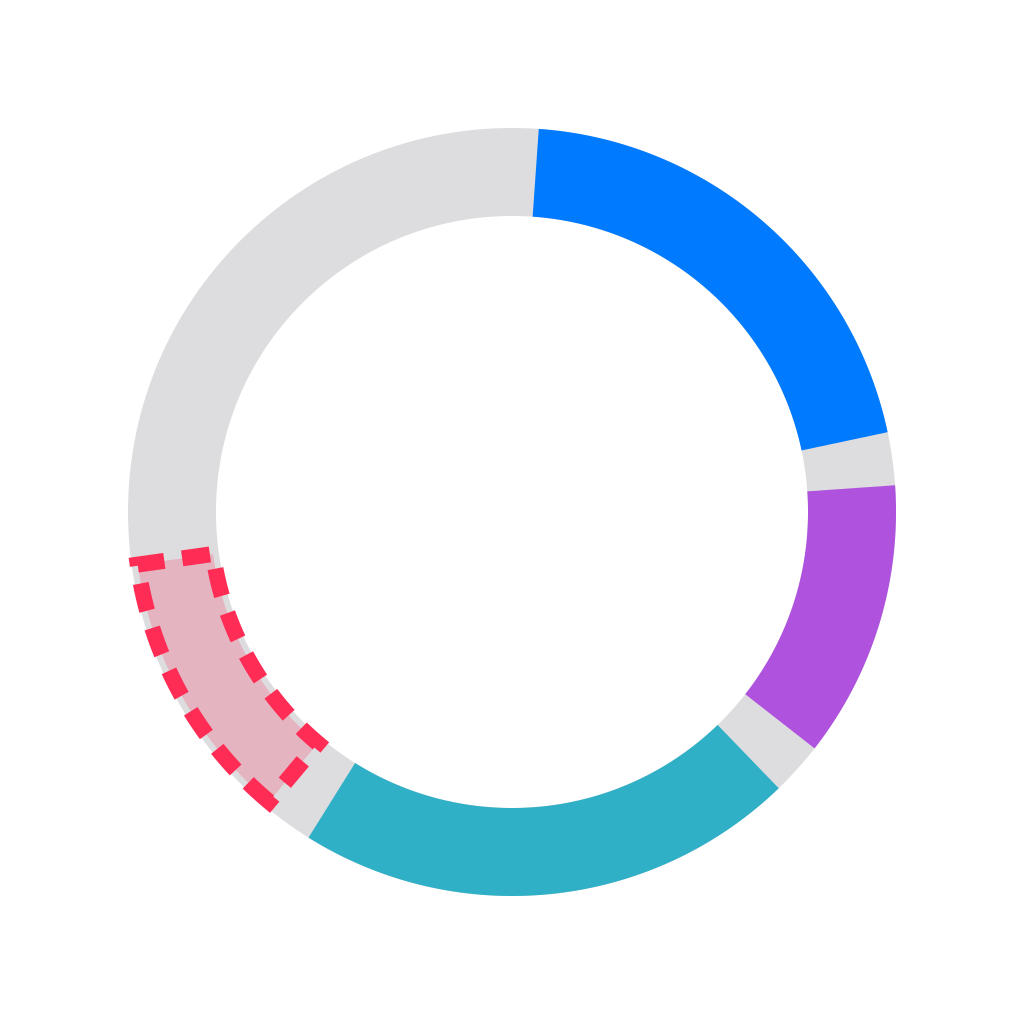
Six blocks are confident. Approve inks them in. The four in orange wait for you. 4 h 31 m approved. 4 to check, still in pencil.
RibbonBuilt first for freelancers and small IT consultancies, where a forgotten hour is a lost invoice line.
You clock in, or your work hours do it for you. A small clock sits in the menu bar and stays out of the way: it never shows a title, a URL or a code.
You work. Ribbon notes what macOS already knows and starts a new segment whenever it changes or you go idle. Meetings with other people win over whatever was on screen, because you were in the meeting.
That is the whole list. No screenshots, ever. Private windows record the app name only, and apps and sites on your exclusion list are never captured.
One notification asks you to look. Click it and the menu bar panel opens on your day, drawn as a track. Confident blocks go in with one click; the rest get a code each, and choosing a different code teaches Ribbon for tomorrow.
Nothing is approved without you. A suggestion only preselects a code.
Export… writes the approved time to a CSV file or straight into a Notion database, one row per code per day. It rounds to your company's step only then, so the true durations stay intact.
| Code | Approved | Exported |
|---|---|---|
| Internal admin | 19 m | 0.25 |
| Client onboarding flow | 59 m | 1.00 |
| Code review | 52 m | 0.75 |
| Acme portal | 1 h 39 m | 1.75 |
| Design retainer | 42 m | 0.75 |
The export window says what goes: dates, codes and rounded durations of approved blocks. No window titles, URLs or meeting titles.
| Item | The problem | What Ribbon does |
|---|---|---|
| 1 | Work is fragmented | Every switch of app, window or page is captured as it happens, and fragments under 3 minutes merge into their closest neighbour. |
| 2 | You forget | There is nothing to remember. The day is rebuilt from activity and your calendar, and one nudge at the end of the day asks you to look. |
| 3 | It takes too long | The day arrives filled in, and every confident block is approved with one click. |
| 4 | Codes are a chore | Ribbon learns which signals mean which code, from your Notion pages and from every correction you make. |
Ribbon works for you, not your boss. You own the data and send only what you choose.
No screenshots, ever. Only metadata: app, window title, page, calendar.
No cloud AI. Suggestions come from rules and your corrections, on your Mac.
No telemetry. A crash report leaves only when you send it yourself, without titles or URLs.
An exclusion list from day one. Private mail, banking or anything you add is never captured.
Raw activity deletes itself after 7 to 90 days, 30 by default. Only the blocks you approved are kept.
The calendar is read, never stored. Start, end, title, how many people are invited and their email domains, each time the day is drawn.
No backend. There is no Ribbon account and no server holding your day.
api.notion.comOnly if you connect Notion, to read your codes and write the exports you start.updates.truonglabs.comOnce a day if you say yes, to ask for a newer version. It sends Ribbon's version and nothing else.api.polar.shFrom launch, about once a week, to check a license: the key and a random id made for your install.That is the complete list. Any network monitor on your Mac will show you the same.
| Rev | Stage | What it means | State |
|---|---|---|---|
| A | Daily use by its maker | Two weeks against manual time logging. It passes when 8 in 10 suggestions are approved unchanged and review takes two minutes. | Now |
| B | Five testers | Four weeks, across one month-end export, on five other people's Macs. | Next |
| C | Launch | Ribbon for macOS 26, sold directly, with a 30-day trial that has every feature. | Then |
Ribbon is the first in a series of privacy-first office tools from Truong Labs.
One mail when Ribbon is ready to try. Your address is used for nothing else.
Join the waitlistWrites a mail to contact@truonglabs.com